Timeline Web Part
The Timeline Web Part displays the appointments of the selected Sharepoint calendar as a Timeline.
The appointments can be grouped by a Calendar column which displays each group as a separate row.
This allows to easily visualize the appointments as for example room bookings etc.
A Category column can be specified to color code the appointments in the timeline display.
Web Part Configuration:
|
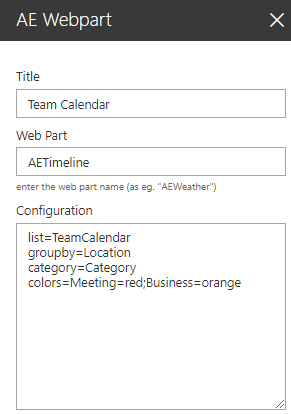 |
 list=TeamCalendar (enter the name of the Sharepoint calendar)