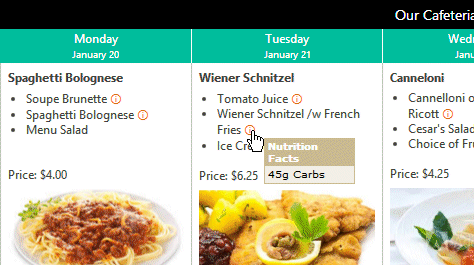
The Cafeteria Web Part displays the cafeteria menus either in a weekly view or as just today's menu.
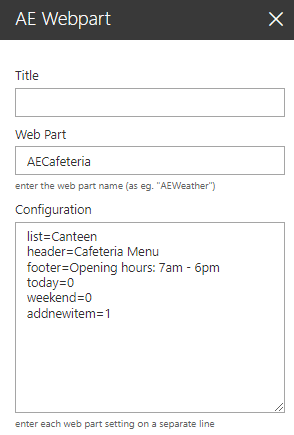
Web Part Configuration:
Title: enter the optional web part title
Web Part: AEListItems
Configuration: enter the below configuration options:
site=SiteUrl (optionally enter a site URL) list=TeamCalendar (enter the name of the Sharepoint list) view=SomeView (optionally enter the name of the list view) template=enter the column names enclosed in curly braces to be displayed including any HTML tags today=1 (choose the single day view) weekend=1 (include Saturday and Sunday) addnewitem=1 (display the "Add new item" button) pagesize=10 (enable paging and set the page size) header=Our Cafeteria Menu (optional header text) footer=Opening hours.. (optional footer text) webpartstyle=CSS styles (assign CSS to the web part table) headerstyle=CSS styles (assign CSS to the table header) footerstyle=CSS styles (assign CSS to the table footer) weekdaystyle=CSS styles (assign CSS to the day titles)